Last updated on April 26th, 2026 at 05:02 am
Imagine sending a message on your iPhone and noticing that your text bubbles are green instead of the usual blue. You might pause and wonder: Does this mean my message didn’t go through? Am I texting someone outside of iPhone? This common confusion leaves many users puzzled, especially as digital communication evolves.
In 2026, understanding what green text on iPhone truly represents goes beyond technicalities—it influences social perception, tone, and even emotional interpretation.
Whether you’re texting friends, dating, or communicating professionally, knowing the nuances behind green text can prevent misunderstandings and help you send messages more confidently.
This guide unpacks everything about green text on iPhone—from the technical explanation to real-life conversation examples, social implications, and expert tips for appropriate usage. By the end, you’ll have a clear, practical understanding of what green text really means and when to use it wisely.
Quick Definition of “Green Text Meaning on iPhone”
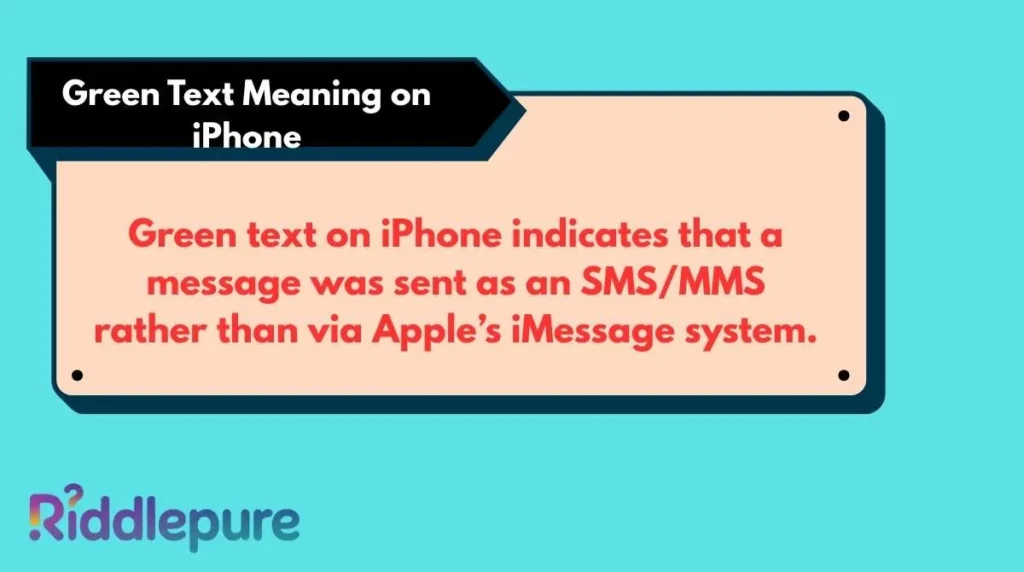
Green text on iPhone indicates that a message was sent as an SMS/MMS rather than via Apple’s iMessage system.
While the primary meaning relates to the technical difference in messaging protocols, green text can also carry social or emotional connotations, signaling delays, connectivity issues, or even the use of non-Apple devices. Rarely, it may appear due to temporary server problems or app glitches.
Detailed Meaning Breakdown
Primary Meaning
Green text occurs when your iPhone cannot use iMessage, Apple’s proprietary messaging service. iMessage is exclusive to Apple devices and is represented by blue bubbles. When a message is green, it means the message is sent over standard SMS or MMS.
- SMS (Short Message Service): Text-only messages transmitted via cellular networks.
- MMS (Multimedia Messaging Service): Messages that include images, videos, or audio, also sent through cellular networks.
This distinction affects not just bubble color but message features. iMessages support read receipts, typing indicators, and encryption. Green texts do not.
Secondary Meanings
While primarily technical, green text can sometimes signal social or relational dynamics:
- Texting someone who uses Android or another non-Apple device.
- Sending messages to someone in an area with poor internet connectivity.
- Accidental sending due to iMessage temporarily being unavailable.
Rare Meanings
- Server glitches or iCloud issues may temporarily force messages to send as green.
- Using third-party apps for messaging may mimic green text bubbles.
What “Green Text” Means in Different Situations
Everyday Texting
In casual messaging, green text often simply indicates a friend using a non-Apple device. Most users don’t think twice about it unless it affects features like read receipts or media quality.
Social Media Platforms
When sharing screenshots or quoting conversations, green text can signal to others that the person is not using iMessage, sometimes subtly influencing perceived tech-savviness or brand preference.
Dating & Relationships
Green text can unintentionally affect romantic conversations. For example:
- Blue iMessages may suggest instant delivery and responsiveness.
- Green texts can imply delayed communication or lack of Apple device ownership, which some people read subconsciously as less “connected.”
Professional Communication
In professional contexts, green text is technically neutral, but it can sometimes create minor friction if features like read receipts are expected for timely communication.
Cultural or Regional Differences
In countries where iPhone adoption is low, green text is common and carries no social implication. Conversely, in regions dominated by Apple users, green bubbles can highlight device differences more prominently.
Psychological & Tone Analysis
Green text isn’t just a technical detail—it communicates subtle social cues.
Why People Use It
- Device limitations: Using Android or older iPhones.
- Network issues: Poor Wi-Fi or cellular coverage.
- Convenience: Some prefer SMS/MMS for backup or archival purposes.
What It Signals Socially
- Could imply delayed responses or lack of instant connection.
- Might suggest technological preference or economic choice (Apple devices are expensive).
- Signals non-iMessage communication, sometimes interpreted as “less personal.”
Emotional Layer
- Green text may unintentionally convey distance or casualness.
- Can trigger minor frustration if media or emojis fail to appear correctly.
- May cause anxiety in high-stakes conversations, like dating or job communication.
15 Real Conversation Examples (Explained)
- Friend to Friend:
Message appears green.
Explanation: Your friend likely uses Android. No social tension implied. - Delayed Reply:
Green text sent; friend reads hours later.
Explanation: Green text doesn’t support instant read receipts, causing perceived delay. - Group Chat:
Some messages green, some blue.
Explanation: Mixed devices in group chat; SMS fallback occurs automatically. - Romantic Interest:
Green bubble response in dating app conversation.
Explanation: May feel less “connected” due to lack of iMessage features. - Professional Contact:
Green text during urgent project update.
Explanation: Avoid using green SMS for critical professional messages that rely on read receipts. - International Friend:
Green text overseas.
Explanation: SMS may be cheaper or more reliable than iMessage internationally. - Family Chat:
Green texts from parents.
Explanation: Parents may use older iPhones; no emotional weight intended. - Tech Discussion:
Green text shared as screenshot for advice.
Explanation: Highlights device differences or connectivity issues. - Event Coordination:
Green text sent with photo attachment.
Explanation: MMS ensures media delivery even without Wi-Fi. - Group Planning:
Green texts appear with delayed replies.
Explanation: SMS lacks typing indicators; coordination may be slower. - Gaming Coordination:
Green message to non-iPhone friend.
Explanation: Ensures cross-device communication. - Friend Complaint:
Friend says, “Why green?”
Explanation: Curiosity about device differences. - Job Networking:
Green text sent without read receipt.
Explanation: Could cause professional misinterpretation; cautious wording advised. - Emergency Message:
Green text sent in poor connectivity area.
Explanation: SMS may deliver when iMessage fails; technically a backup. - Funny Exchange:
Green bubble used intentionally for effect.
Explanation: Some users exploit green text as playful or ironic message styling.
When “Green Text” Can Be Misunderstood
- Context Confusion: Non-technical users may think green means “unsent” or “problematic.”
- Generational Gap: Older generations may not understand iMessage vs. SMS differences.
- Platform Differences: Android users see green differently; may not understand blue vs. green conventions.
Similar Words, Symbols, or Abbreviations
- Blue Bubble: iMessage message indicator.
- iMessage: Apple messaging protocol.
- SMS: Short Message Service.
- MMS: Multimedia Messaging Service.
- Read Receipt: Notification that message has been seen.
- Typing Indicator: Bubble showing someone is typing.
- Green Bubble Club: Term sometimes used humorously for Android users.
- Delivery Failed Icon: Indicates message did not send.
- FaceTime: Apple video/audio call service.
- AirDrop: Apple file-sharing feature.
When Not to Use “Green Text”
- Professional Risks: Avoid green SMS for critical corporate messaging requiring confirmations.
- Cultural Risks: In Apple-dominant cultures, frequent green texts may subtly signal “out of sync.”
- Tone Risks: Misinterpretation in dating or sensitive conversations due to lack of read receipts or delivery confirmation.
Expert Tips for Using “Green Text” Correctly
- Check Wi-Fi or network settings if green text appears unexpectedly.
- Use iMessage for sensitive or time-critical communication.
- Don’t overinterpret green text socially; technical reasons are often primary.
- Inform friends or colleagues if using a non-Apple device.
- Use green text intentionally for cross-device conversations.
- Attach media via MMS if iMessage isn’t available.
- Consider tone: green text can feel less “instant” than blue.
- Keep messages clear to avoid misunderstandings due to missing features.
Frequently Asked Questions
What does a green text bubble on iPhone mean?
It means the message was sent as SMS/MMS instead of iMessage, usually because the recipient isn’t using an Apple device or iMessage is unavailable.
Can green text affect delivery speed?
Yes. SMS may be slower than iMessage, especially with large media attachments or international messages.
Does green text indicate my message failed?
Not necessarily. It just indicates SMS delivery, which usually succeeds unless cellular coverage is poor.
Are there features missing in green texts?
Yes. Green texts lack typing indicators, read receipts, and end-to-end encryption provided by iMessage.
Can green text appear for iPhone users?
Yes. If iMessage is temporarily offline or disabled, iPhones may send messages as green SMS.
Is green text only for Android users?
No. It’s a cross-device feature fallback for non-iMessage communication.
How do I prevent my messages from turning green?
Ensure both you and the recipient have iMessage enabled and active internet connectivity.
Does green text have social implications?
Sometimes. It can subtly indicate non-Apple device use, delayed responses, or lack of certain iMessage features.
Final Summary & Smart Usage Advice
Green text on iPhone is a simple technical indicator with deeper social implications. Understanding its meaning helps prevent confusion, miscommunication, and unintentional emotional signals.
Remember: green text ≠ failure; it’s a cross-device communication fallback. Use it wisely, clarify expectations in sensitive conversations, and focus on clear, concise messaging. By mastering the nuances of green vs. blue text, you can communicate confidently in everyday, professional, and social contexts.